Data analytics tutorial: clean a sales CSV and find your strongest channel
By Gistmax Tutorials · 2026-11-04
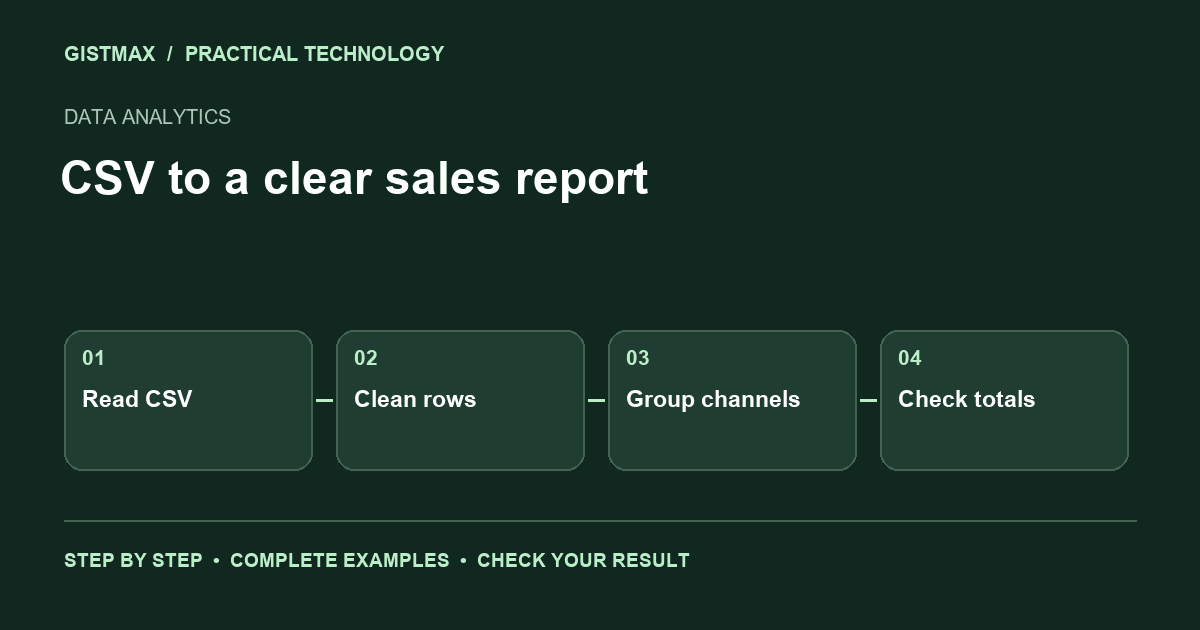
Build a small sales report with Python and pandas. You will clean inconsistent channel names, identify an invalid amount and calculate revenue without counting a duplicated order twice. The sample is fictional training data, not Gistmax customer data.
1. Prepare your workspace
You need Python 3.12 or later, a terminal and a text editor. Create a folder for this exercise and install pandas with `python -m pip install pandas`. Save the following program as `sales_report.py`. It embeds the CSV so you can run the lesson without downloading a dataset.
Decide the rules before calculating totals: one row per order, amounts in naira, and only paid orders count as revenue. A refunded order is not a second sale. A missing or malformed amount needs investigation rather than an automatic conversion to zero.
2. Clean, validate and aggregate
from io import StringIO
import pandas as pd

csv = """order_id,channel,amount,status
A1, Instagram ,12000,paid
A2,email,8000,paid
A2,email,8000,paid
A3,INSTAGRAM,6000,paid
A4,search,bad,paid
A5,email,4000,refunded
"""

orders = pd.read_csv(StringIO(csv), dtype={"order_id": "string"})
orders["channel"] = orders["channel"].str.strip().str.lower()
orders["amount"] = pd.to_numeric(orders["amount"], errors="coerce")

# Keep a separate report of rows that require investigation.
invalid = orders[orders["amount"].isna()].copy()
print("Invalid amounts:", invalid["order_id"].tolist())
orders = orders.drop_duplicates(subset="order_id", keep="first")
paid = orders[(orders["status"] == "paid") & orders["amount"].notna()]

report = paid.groupby("channel", as_index=False).agg(
    orders=("order_id", "count"), revenue=("amount", "sum")
).sort_values("revenue", ascending=False)
print(report.to_string(index=False))
assert paid["amount"].sum() == 26000
assert len(invalid) == 1
3. Run the report and check the answer
Run `python sales_report.py`. Instagram should have two paid orders and revenue of 18,000. Email should have one paid order and revenue of 8,000. Order A4 appears in the invalid-amount list. The final assertion checks the combined revenue of 26,000.
The duplicate rule is deliberately simple because the repeated A2 rows are identical. In a real export, two rows with the same ID might contain conflicting amounts. Flag those conflicts for review before keeping one row. Otherwise, a convenient cleaning step can silently discard a correction.
4. Interpret the result carefully
Instagram generated more revenue in this sample, but the report says nothing about profit or advertising efficiency. You would also need acquisition costs, returns and fulfilment expenses. Keep the question attached to the metric: this table answers where recorded paid revenue came from, not where the next marketing budget must go.
For your next exercise, add an order date and calculate daily revenue. Then export the channel report with `report.to_csv("channel_report.csv", index=False)`. Keep the raw input separately so you can explain every transformation later.
Troubleshooting
If Python cannot import pandas, install it using the same Python interpreter that runs your script. If all channel values look separate, check whitespace and capitalisation before grouping. If totals unexpectedly increase, inspect duplicate IDs before changing the aggregation.